A sim racing monitor stand solves a problem you only notice once your rig gets serious: a screen bolted to the frame shakes every time your wheelbase tugs or your pedals get stomped, and a desk-mounted display sits too close and too low for a convincing cockpit view. A dedicated freestanding stand decouples the screen from the rig entirely, so road feel and force feedback never blur the picture, and it puts the panel at the height and distance a racing seat actually needs. The catch is matching the stand to your screen setup — one big single, or a wraparound triple — without overpaying or buying something that wobbles under a heavy panel.
What to look for
The first decision is single versus triple. A single stand holds one large display; a triple stand carries three angled panels for a near-180-degree field of view, which means far more weight, a wider footprint, and a higher price. Buy for the screens you actually own now.
- Freestanding vs. rig-mounted — Freestanding stands sit on their own base on the floor, fully isolated from rig vibration. This is the point of the category, so confirm the stand is genuinely standalone rather than a rig add-on.
- Display size and weight rating — Check that the stand's supported panel size and VESA mounting pattern cover your monitor, with headroom. Large 32-inch-plus panels and ultrawides are heavy, and an underrated stand will sag or tip.
- Stability and footprint — A wide, weighted base resists wheel-and-pedal forces transmitted through the floor. Make sure the footprint fits in front of your rig without crowding your pedal travel.
- Adjustability — Height, tilt, and (on triples) angle adjustment let you dial in the wraparound and eye line. More adjustment helps you get the cockpit-correct view.
- Build and brand support — Steel construction and a clear VESA spec matter more than looks. See how we pick for how we weigh these research signals.
Our picks
- Best overall — Next Level Racing Free Standing Single Monitor Stand: a sturdy enthusiast-tier pick that decouples a large single display (up to 85 inches) from the rig so shake never reaches the screen. Enthusiast-tier.
- Best budget — Trak Racer Single Monitor Stand: the most affordable way to get your screen off the rig and kill the wobble. Budget-tier.
- Best for triple screens — Next Level Racing Free Standing Triple Monitor Stand: our top triple, carrying three 32-to-65-inch panels at roughly 195 degrees of immersion without loading the rig frame.
- Best premium triple — Trak Racer Freestanding Triple Monitor Stand: a heavy-duty freestanding triple for full wraparound immersion when budget is no object. Premium-tier.
- Best motorsport-brand single — Sparco Gaming Monitor Stand: a freestanding single stand with motorsport-brand styling for builders who want a matching aesthetic.
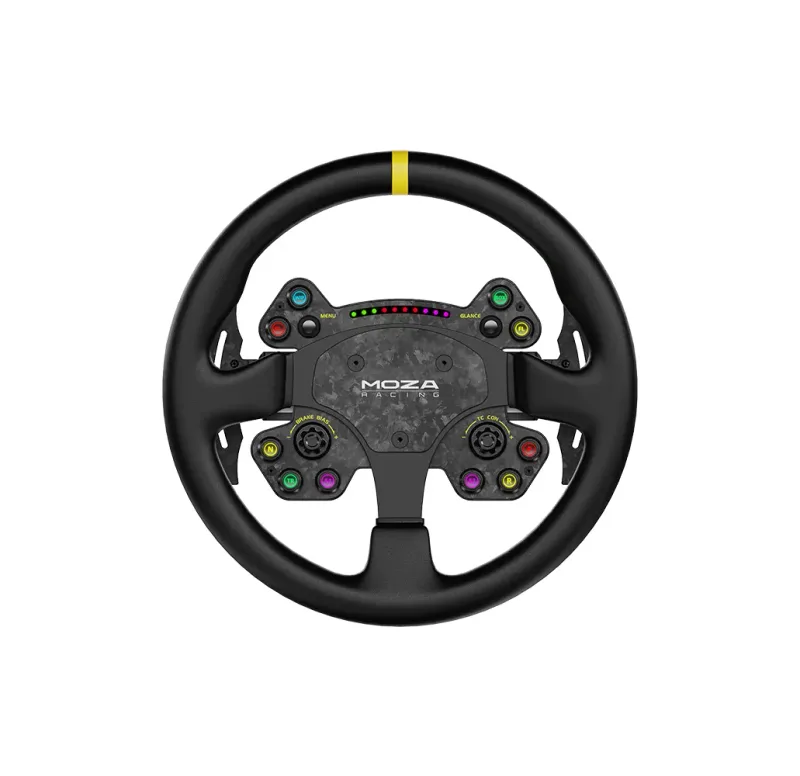
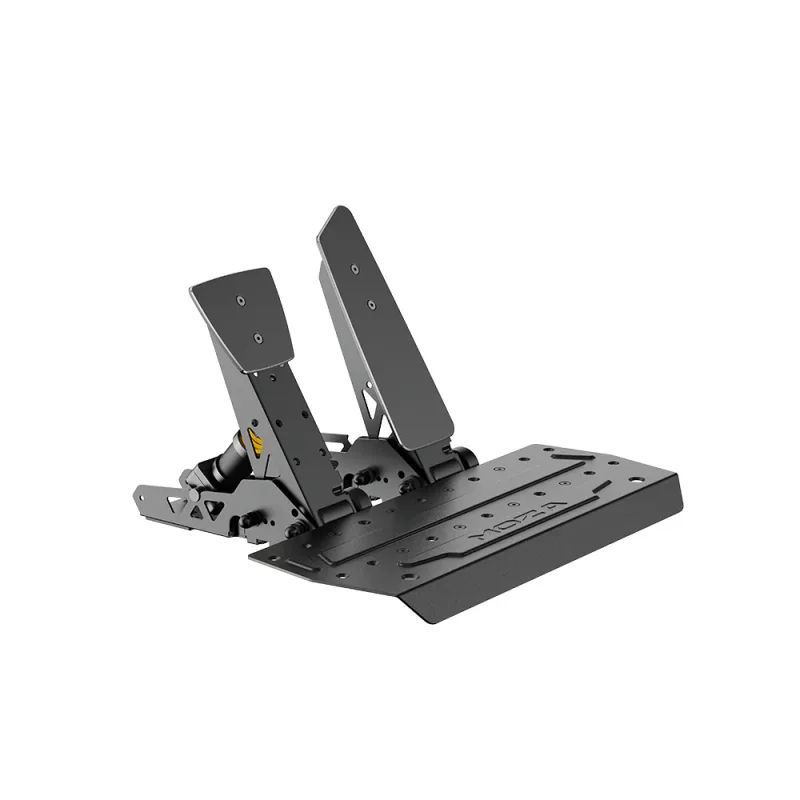
Once your screen setup is sorted, the stand is just one piece — build a complete setup to pair it with a wheelbase, pedals, and a rig that all work together.
What changed in 2026
The center of gravity in this category keeps shifting toward bigger, heavier panels. As large 32-inch-plus displays and ultrawides became the default for single-screen rigs, stands rated only for older 27-inch panels stopped being safe buys, and the practical floor for a stand that won't sag has crept up. Triple-screen interest has cooled slightly as super-ultrawides got good enough for many drivers, so the smarter spend for a lot of people is now one rock-solid single stand rather than a wobbly triple bought on impulse. Prices on entry stands have not meaningfully dropped, so the gap between a stand that holds firm and one that flexes is still mostly about steel, not sale timing.
Mistakes beginners make
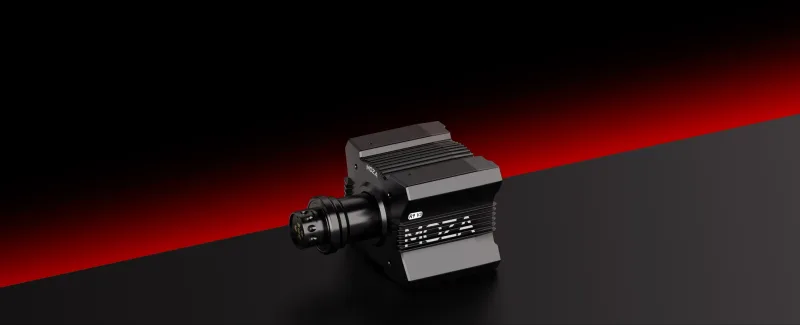
- Bolting the screen to the rig frame instead of buying a freestanding stand, which defeats the entire point of vibration isolation once a strong wheelbase like the MOZA R9 V3 starts tugging.
- Buying a triple stand for monitors you don't own yet, paying for width and weight capacity that sits empty for a year.
- Ignoring the stand's weight rating and VESA pattern, then watching a heavy ultrawide sag or tip forward.
- Setting the panel too close and too low out of habit, recreating the desk position the stand was meant to escape.
- Skipping cable management and depth adjustment, so the screen ends up at the right height but the wrong distance from the seat.
How much to spend
Minimum viable
A basic single stand rated comfortably above your panel's actual weight. Spend just enough to get a genuinely freestanding base and a VESA mount with headroom — not the cheapest stand that technically lists your screen size.
Sweet spot
A heavier-gauge single stand with height and depth adjustment, sized for a 32-inch or ultrawide panel. This is where most drivers running a serious base-plus-pedals setup should land, since it isolates the screen reliably without paying for triple-screen hardware.
Buy once, cry once
A triple stand only if you actually run three angled panels, or a premium single built to never flex under the heaviest displays. At this level you're buying rigidity and longevity to match a high-end cockpit like the Playseat Trophy.
How to choose: the decision that matters
Two axes drive this category: screen count (single vs. triple) and load headroom (rating tight to your panel vs. comfortably over it). Picture the four quadrants:
- Single + generous headroom: the right call for most rigs — stable, future-proof for a heavier panel later.
- Single + tight rating: tempting on price, but one upgrade to a larger display and it sags.
- Triple + generous headroom: correct only if you own three screens; otherwise you're paying for empty capacity.
- Triple + tight rating: the trap — maximum footprint and cost, still wobbling under weight.
How we researched this
Our picks are drawn from a sourced product catalog, where every spec is either sourced or flagged when a manufacturer figure couldn't be confirmed. This is research-based rather than hands-on tested — see our methodology for how we select and rank, and check the field-level sources on each product page before you buy.